The Truth About iPhone Film Simulation: Why Response Curves Matter (Iris Pro)
There is a moment in every smartphone photographer's journey when they realize that a true "film look" cannot be achieved with a simple Instagram filter or standard preset. Not because filters are lazy, but because they operate on the wrong layer of the image. A filter is a cosmetic overlay. Authentic film character is structural.
To understand why genuine iPhone film simulation is so difficult, we need to go back to the physics of photochemistry—and then examine why modern smartphone computational photography makes true film emulation harder, not easier.
The Physics of Film: Emulsions as Analog Computers
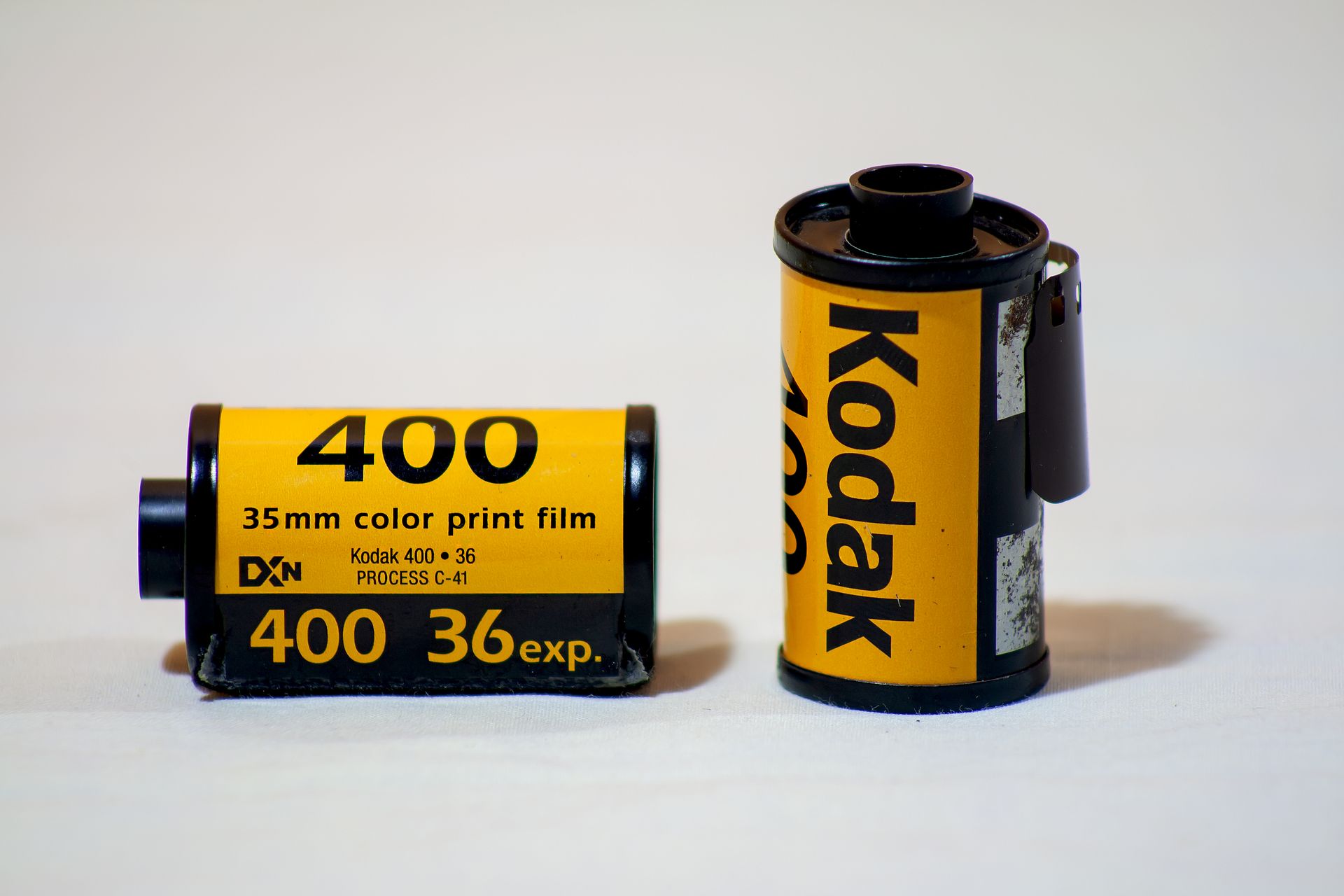
Photographic film was never a neutral recording medium. Each emulsion was a carefully engineered chemical system with its own specific opinion about how to interpret light.
Take Kodachrome. Its characteristic response curve wasn't linear. Shadows compressed gently, midtones held saturation with almost violent confidence, and highlights rolled off into a soft, warm shoulder rather than digitally clipping. This wasn't a post-processing choice; it was inherent to the dye couplers and the multi-layer emulsion structure. When photons struck the silver halide crystals, the resulting oxidation states produced color through a complex chain of chemical reactions—reactions that varied by wavelength, exposure time, and even temperature during development.
Velvia behaved differently. Its response curve was designed to be aggressive: high contrast, saturated primaries, and a pronounced S-curve that crushed blacks while holding detail in the upper midtones. Landscape photographers loved it because it made the world look more than real. But that "more" was a chemical artifact, not a digital slider adjustment.
Portra took another path entirely. Its curve was deliberately soft, with a long, gentle toe that preserved skin tones in underexposure and a shoulder that let highlights bloom rather than burn. The color cross-talk between its cyan, magenta, and yellow dye layers created subtle hue shifts that standard digital systems struggle to replicate because they happen at the analog, pre-digital stage.
What unified these emulsions was that their specific "look" emerged from non-linear response curves embedded in the medium itself. The relationship between incident light and final density was mathematically predictable but physically complex. Film had a character because it had physics.
Why Digital Sensors Are Boring by Design
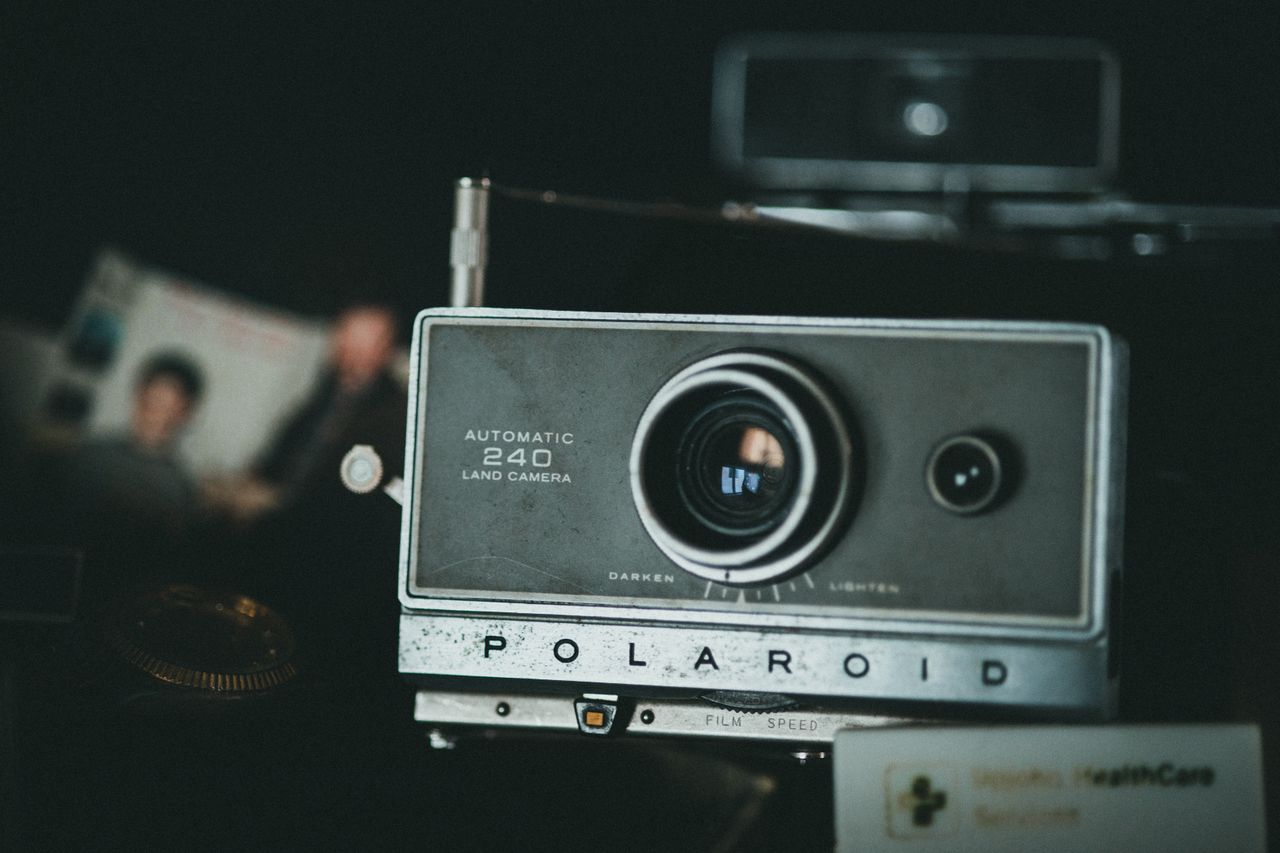
Modern CMOS sensors, including the Sony Exmor-derived stacks found in the latest iPhones, are engineered for the exact opposite goal: linearity, neutrality, and maximum information preservation.
A digital sensor's photodiode converts photons to electrons with a relationship that is, ideally, perfectly linear. Double the light, double the signal. This is a feature, not a bug. It gives digital photographers enormous latitude in post-processing because the sensor isn't making aesthetic decisions—it's simply counting photons.
But this strict linearity is exactly why straight digital output feels clinical. A RAW file from an iPhone or any modern digital camera is a grid of numbers representing light intensity, devoid of the gentle compressions, hue shifts, and non-linear grace notes that film chemistry imposed by default. The "digital look"—clean, sharp, hyper-accurate—is the absence of character. It is a blank canvas.
Smartphone manufacturers know this. Apple, Google, and Samsung spend billions on computational photography precisely because the raw sensor output is too honest. It needs to be heavily interpreted before it becomes a pleasing photograph.
The Simulation Problem: LUTs vs. Physics
This is where most standard "film simulation" apps and presets fall apart.
A Look-Up Table (LUT) is essentially a color remapping function. It says: "Take this RGB input, replace it with this RGB output." Apply a "Kodachrome" LUT to a standard digital image, and you get colors that vaguely resemble Kodachrome. But you are applying a cosmetic layer on top of a fundamentally different substrate.
The core problem is that film's response curves interacted with the scene's luminance before color ever became a discrete value. On Velvia, a bright red flower and a bright blue sky didn't just get different colors—they got different contrasts because the emulsion's gamma varied by wavelength and exposure level. A LUT cannot create information that was never captured. It can only disguise what is already there.
Authentic film simulation requires modeling the characteristic curve—the mathematical relationship between log exposure and density—not just copying the color palette. It requires understanding how highlights bloom on specific emulsions, how grain structure varies with ISO, and how dye layers cross-talk under tungsten light versus daylight.
This is true color science, not just retro nostalgia.
The iPhone's Computational Bias: A Barrier to Authenticity
Here is where modern smartphone photography creates a unique technical challenge for film enthusiasts.
Apple's computational pipeline—Smart HDR, Deep Fusion, and the Photonic Engine—doesn't just enhance images. It aggressively reconstructs them. Deep Fusion captures up to nine frames, analyzes them pixel-by-pixel through the Neural Engine, and fuses them into a single output with optimized texture and noise reduction. Smart HDR brackets exposures in real-time to preserve highlights and shadows that no single frame could hold. The Photonic Engine pushes this processing earlier in the pipeline, before demosaicing, making these computational decisions permanently baked-in.
The result is technically remarkable: sharp, noise-free, perfectly balanced images that look "correct" under almost any lighting condition.
But "correct" is the enemy of character.
Film photography embraced imperfection. Portra's gentle softness in the highlights, Velvia's aggressive contrast, the organic way grain broke up uniform tones—these were features of the medium. Apple's computational pipeline is designed to eliminate exactly these characteristics. It sharpens where film softened. It flattens contrast where film exaggerated it. It removes noise that film would have rendered as beautiful texture.
More importantly, this processing is non-deterministic and non-bypassable in the default iOS Camera app. Deep Fusion fires automatically based on scene analysis. You cannot tell the native iPhone camera to simply record what the sensor sees and skip the Neural Engine. The "clean" image you see in the Photos app is already a heavy computational composite.
For photographers pursuing authentic film emulation, this creates a fundamental conflict. You are not starting with a neutral digital negative. You are starting with an image that has already been optimized for sharpness, dynamic range, and noise reduction—optimizations that actively fight against the very qualities that define analog film character.
The Technical Path: Starting from Ground Truth with Iris - Pro
If cosmetic filters fail and built-in computational photography fights your artistic intent, what is the alternative? How do you get a real film look on an iPhone?
The answer lies in the Bayer RAW stream—the actual, unfiltered sensor data before demosaicing, before tone curves, and before the Neural Engine applies its multi-frame magic.
Bayer RAW is the true digital equivalent of an unexposed film negative. It is linear, unforgiving, and completely devoid of software interpretation. It contains the raw photon counts, arranged in a mosaic of red, green, and blue filters, waiting for a dedicated processor to decide what they mean.
This is the cleanest possible starting point for film simulation, and it is exactly the foundation upon which the Iris Pro app is built. By leveraging Bayer RAW, Iris Pro achieves what standard apps cannot:
- No Baked-In Tone Curve: Iris Pro allows you to apply mathematically modeled characteristic curves that emulate specific film emulsions directly to the sensor data, rather than fighting against Apple's already-applied Smart HDR tone mapping.
- Deterministic Rendering: A single-frame Bayer capture produces the same output every time for the same scene and settings. This is crucial for building a consistent, professional film emulation pipeline.
- Grain as Signal, Not Noise: Computational photography aggressively suppresses luminance noise. But in true film emulation, that "noise" is actually signal—it carries the textural character of the emulsion. Starting from Bayer RAW lets Iris Pro control how grain is generated, preserved, and rendered, rather than having the OS erase it before you begin.
- Organic Highlight Behavior: Film highlights bloom because of the physical properties of dye clouds and silver halide saturation. Digital highlights clip harshly unless a computational pipeline intervenes with aggressive highlight recovery. By accessing Bayer RAW, Iris Pro mathematically models a soft shoulder, creating the gentle, organic roll-off that standard LUTs can only approximate.
The workflow with Iris Pro is not "capture a standard image and make it look like film." It is "capture the iPhone sensor's ground truth and apply a physically modeled response curve that recreates exactly how a specific analog emulsion interpreted light."
This is why achieving good film simulation on a smartphone requires more than a preset. It requires deep access to the sensor's native output, and a processing engine that understands film not merely as a color palette, but as a complex mathematical system of photochemical responses.
Conclusion: Embrace the Science of Character
The iPhone camera is undeniably one of the most sophisticated imaging systems ever built. But its sophistication is directional. It is explicitly designed to produce images that are immediately pleasing, universally acceptable, and technically flawless by modern standards.
Film character is not any of those things. It is specific, opinionated, and sometimes technically "worse" by modern metrics. It is softer where digital is sharp. It is organically noisy where digital is artificially clean. It is beautifully skewed where digital is clinically neutral.
For photographers who want to explore this character—who see film simulation not as a passing retro aesthetic but as a legitimate, artistic interpretation of scene luminance—the default iPhone camera pipeline presents a massive technical barrier. The Neural Engine has already decided what your image should look like before you ever have a chance to apply your own mathematical model.
The path forward is not to fight the computational pipeline with heavier post-processing. It is to bypass it entirely with the Iris Pro app, capture the Bayer RAW ground truth, and rebuild the photograph from first principles using response curves modeled on actual film physics.
That is not nostalgia. That is color science. And it's available right in your pocket with Iris Pro.
Iris Pro が登場しました。
iPhoneでBayer RAW撮影をマスターしましょう。