How to Get an Authentic Film Camera Look on iPhone (Zero Processing)
Tired of over-processed smartphone photos? Learn how to get a true analog film camera look on your iPhone with zero AI computation using Iris Pro.
Smartphones today take incredibly sharp, bright, and vibrant photos. But for many professional photographers and enthusiasts, modern smartphone images feel too perfect. They lack character, mood, and the organic imperfections that make traditional analog film so beloved. If you've ever searched for an iphone film camera app or wondered how to get film camera look on iphone, you are certainly not alone.
The Problem with Native iPhone Photography
When you press the shutter on your iPhone, you aren't just taking a picture; you are triggering a massive computational process. Apple's "Photonic Engine" and Smart HDR instantly capture multiple frames at different exposures, merge them, artificially boost the shadows, sharpen the edges, and smooth out the noise.
The result? "The Smartphone Look." Skies are always perfectly blue, shadows have no depth, and faces can sometimes look like watercolor paintings due to aggressive noise reduction. This is the exact opposite of the analog film aesthetic, where contrast and shadows define the mood.
Interesting Fact: Did you know that early digital cameras were criticized for being too "clinical"? Now, modern smartphones are facing the same critique, driving a massive resurgence in film photography among Gen Z and Millennials.
Why "Retro" Filter Apps Aren't the Answer
If you search for a free retro camera app for iphone, you'll find hundreds of options. However, most of these apps simply slap a heavy color filter and some fake grain on top of an already over-processed iPhone image. It's like putting vintage makeup on a robot.
To get a true film look, you need an iPhone camera app without processing. You need raw, untouched data directly from the sensor.
How Iris Pro Achieves the Authentic Film Look
Iris Pro is designed from the ground up to bypass Apple's AI computation. It gives you pure data straight from the sensor, providing the perfect canvas for film emulation.
1. Zero AI Smoothing
By shooting in Bayer RAW or ProRAW, Iris Pro completely disables the native noise reduction algorithms. The natural luminance noise from the sensor remains intact, mimicking the organic grain structure of real photographic film far better than any digital filter could.
2. Built-in Film Simulations
Iris Pro doesn't just apply a filter after the fact. It uses custom color science to process the raw sensor data in real-time.
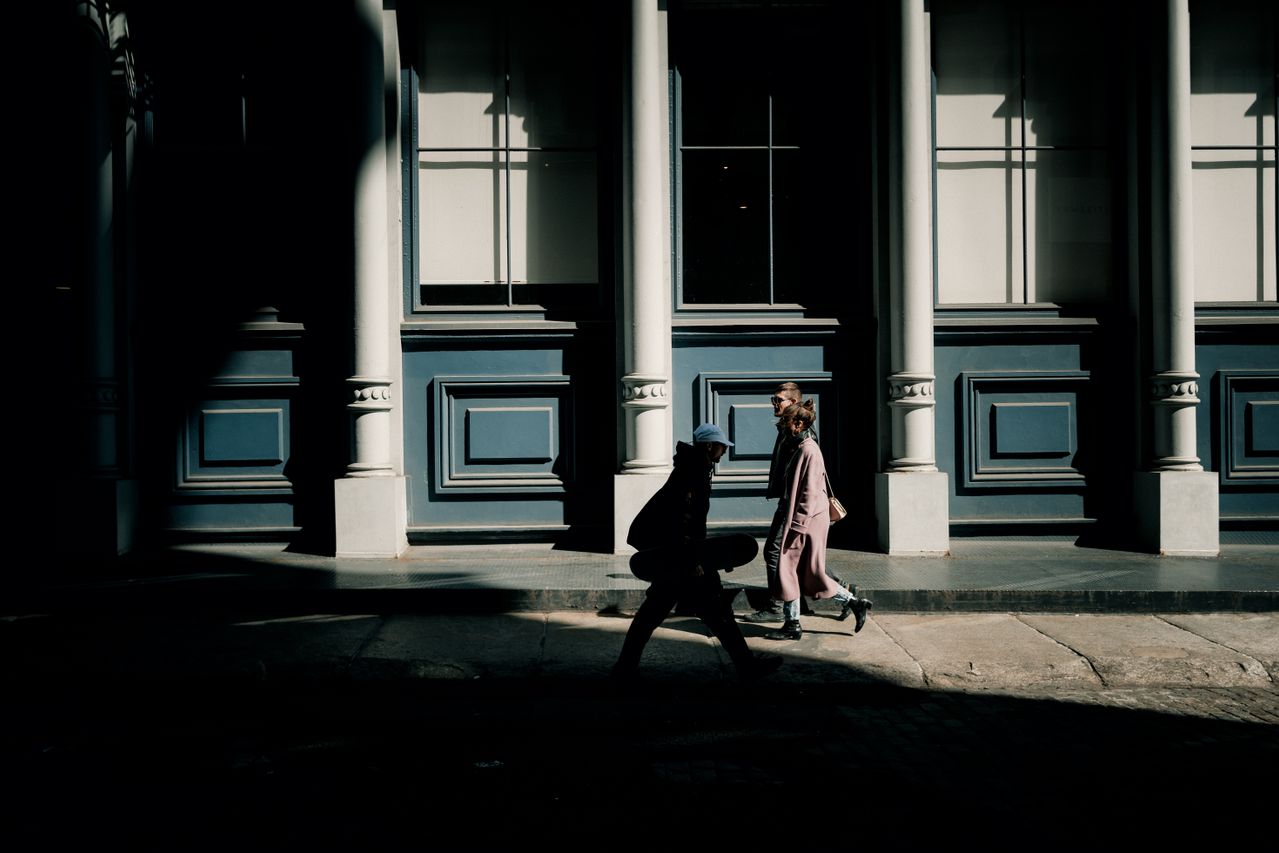
- CineStill 800T: Recreates the cinematic, cool tones and iconic red halation of tungsten-balanced motion picture film (as seen in the photo above). Perfect for moody night street photography.
- Kodak Gold: Emulates the warm, nostalgic, and slightly desaturated look of classic consumer film. Ideal for sunny days and vintage-style portraits.
3. Manual Control
Film photography is deliberate. Iris Pro gives you full manual control over ISO, shutter speed, and focus, allowing you to intentionally under-expose for mood—something the native camera app constantly fights against.
If you're looking for the ultimate film look camera app, stop adding fake grain to over-processed JPEGs. Start shooting raw.
Download Iris Pro Camera on the App Store and rediscover the joy of pure photography.